

Blink Twice Security
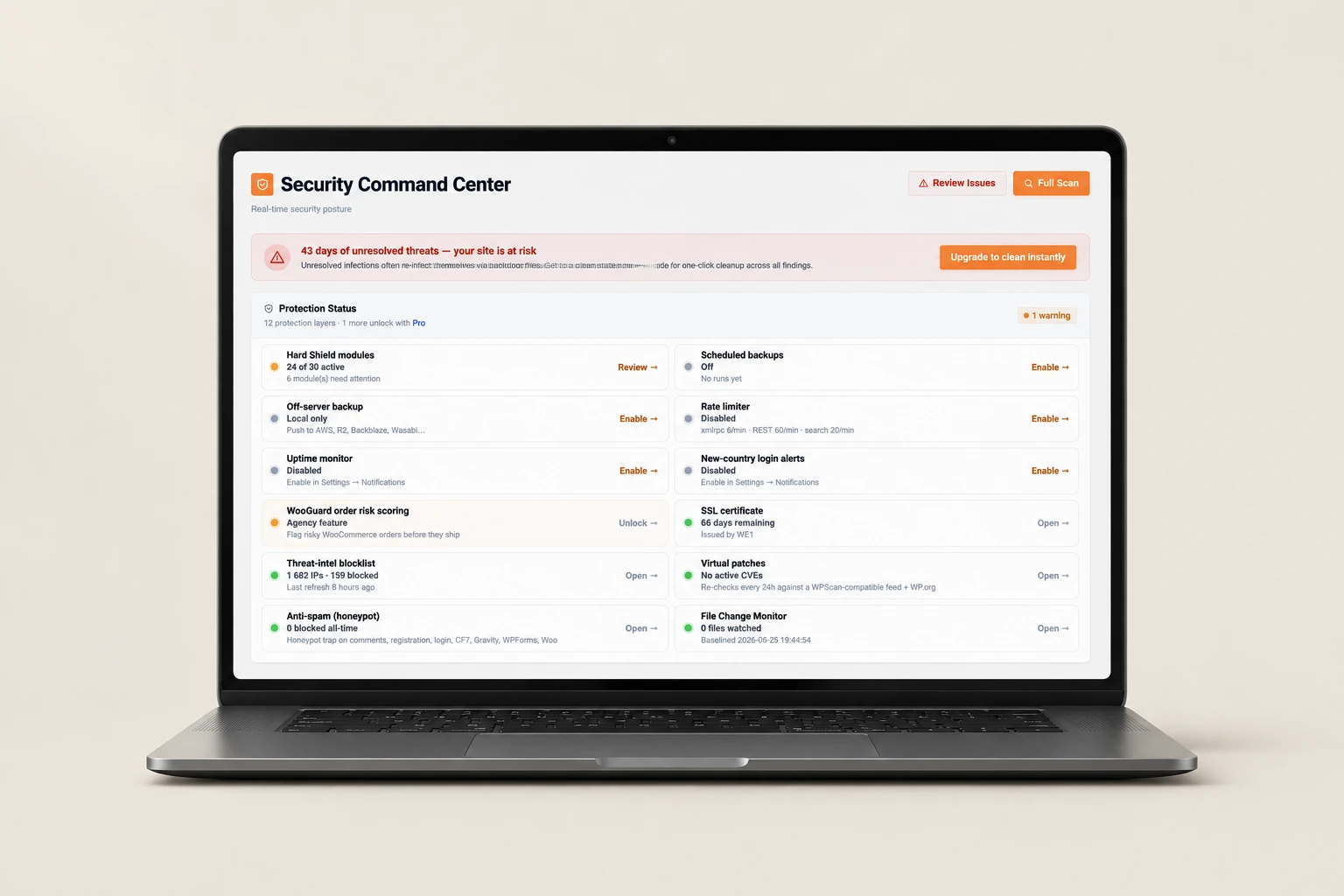
A WordPress command centre bringing security status, hardening modules, audit logs and anti-spam into a shared interface.

An operational workspace bringing together a shared inbox, WhatsApp campaigns, visual workflows and AI-agent configuration.
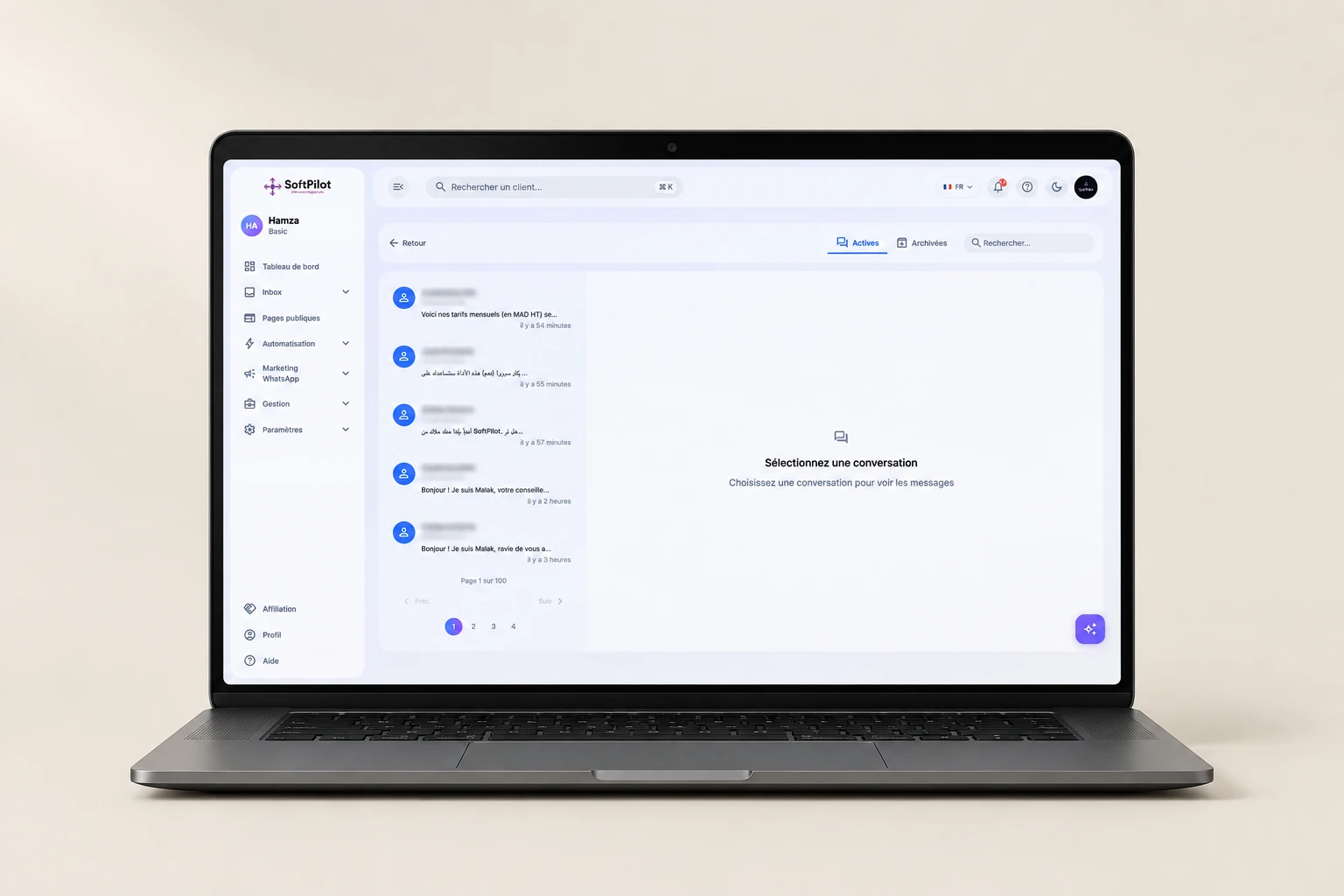
Presentation visual · original screenshots below
SoftPilot is a multi-channel workspace connecting a shared inbox, visual automations, WhatsApp campaigns and AI-agent configuration in one operational product.
SoftPilot combines a shared inbox, an activity overview, WhatsApp campaigns and automation tools in one product. This case is a connected interface system rather than a marketing website. The screens show how these functions are organised within the workspace.
Explore the project views and open each screen for a closer look.
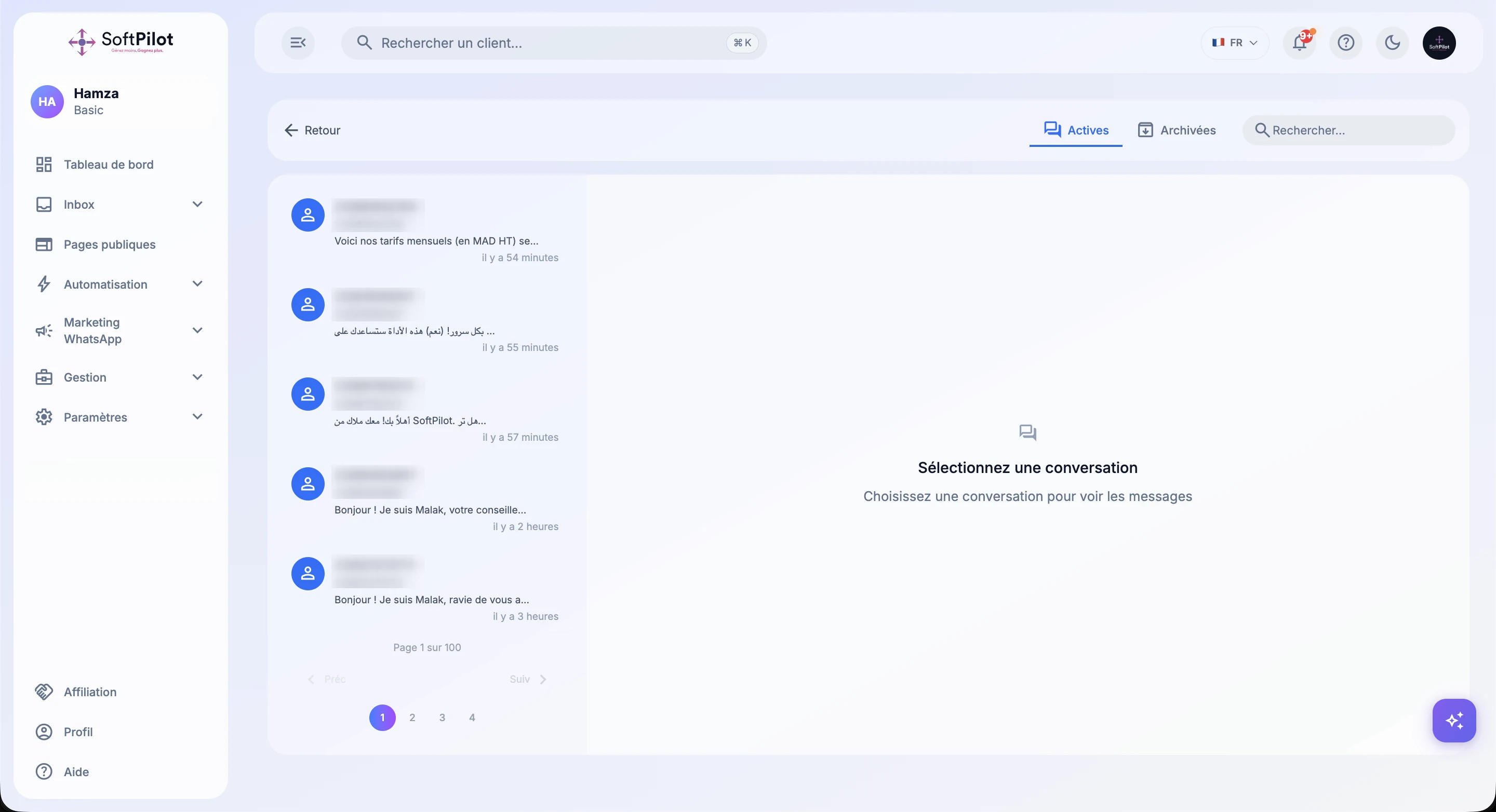
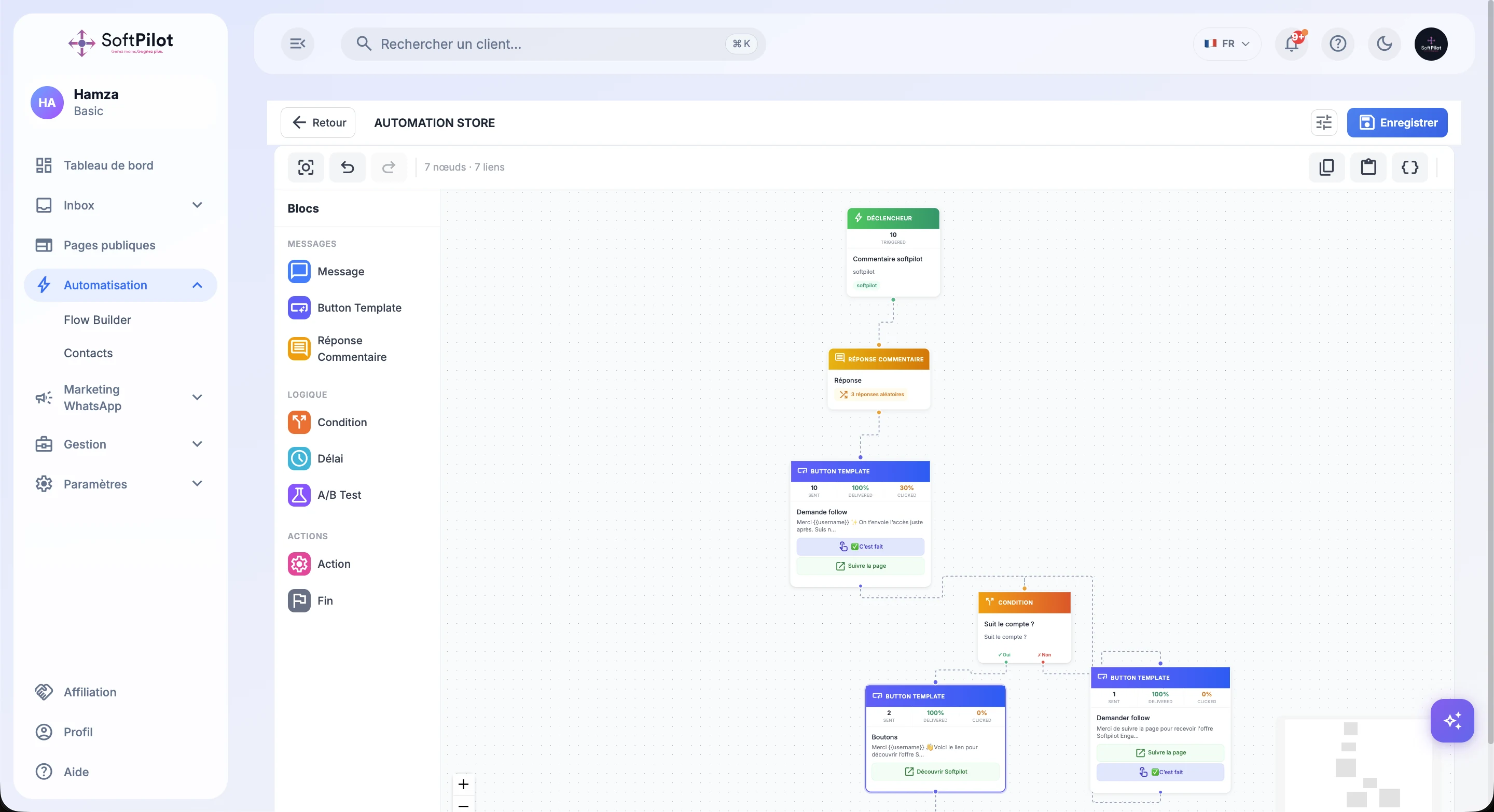
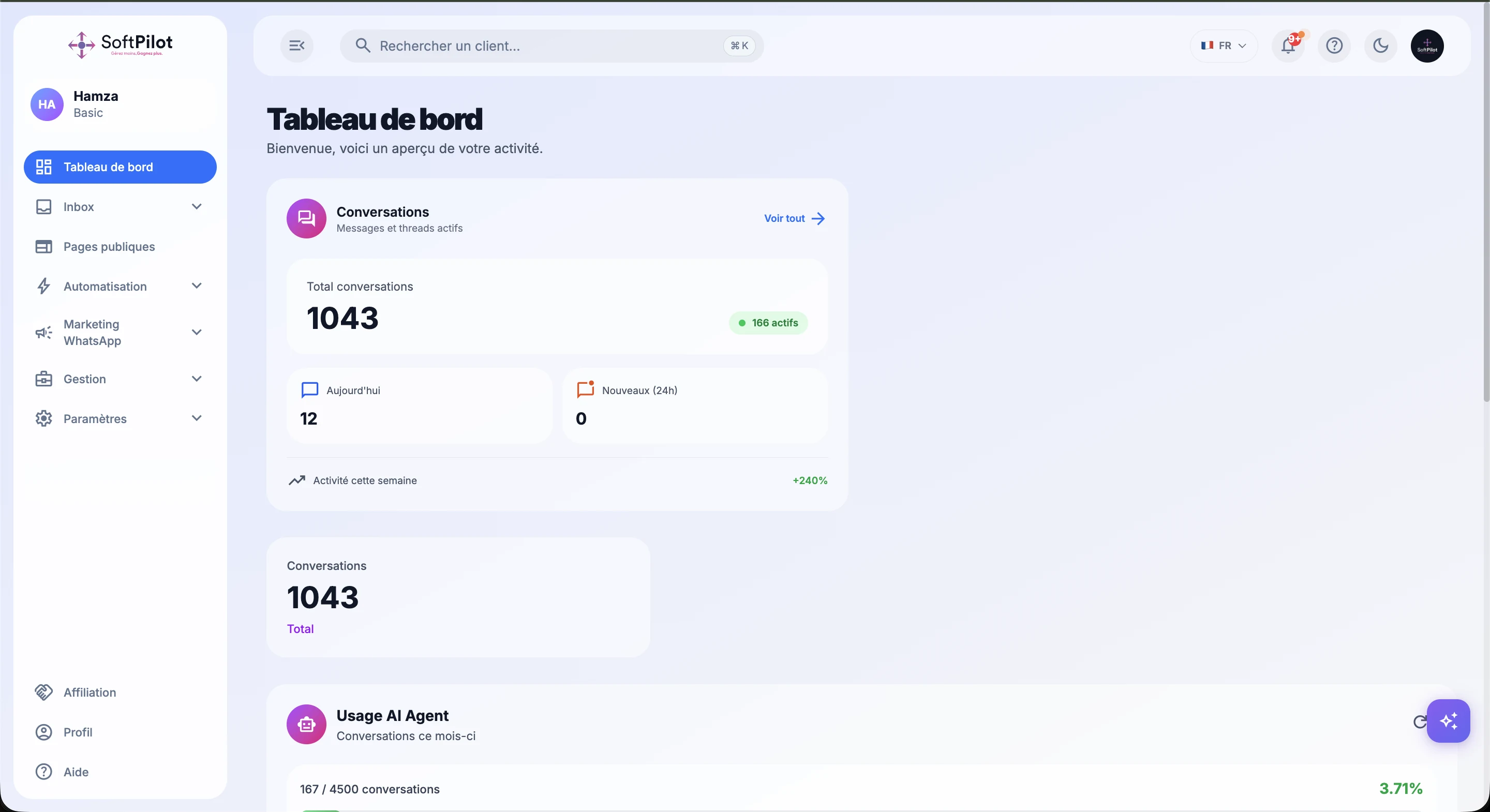
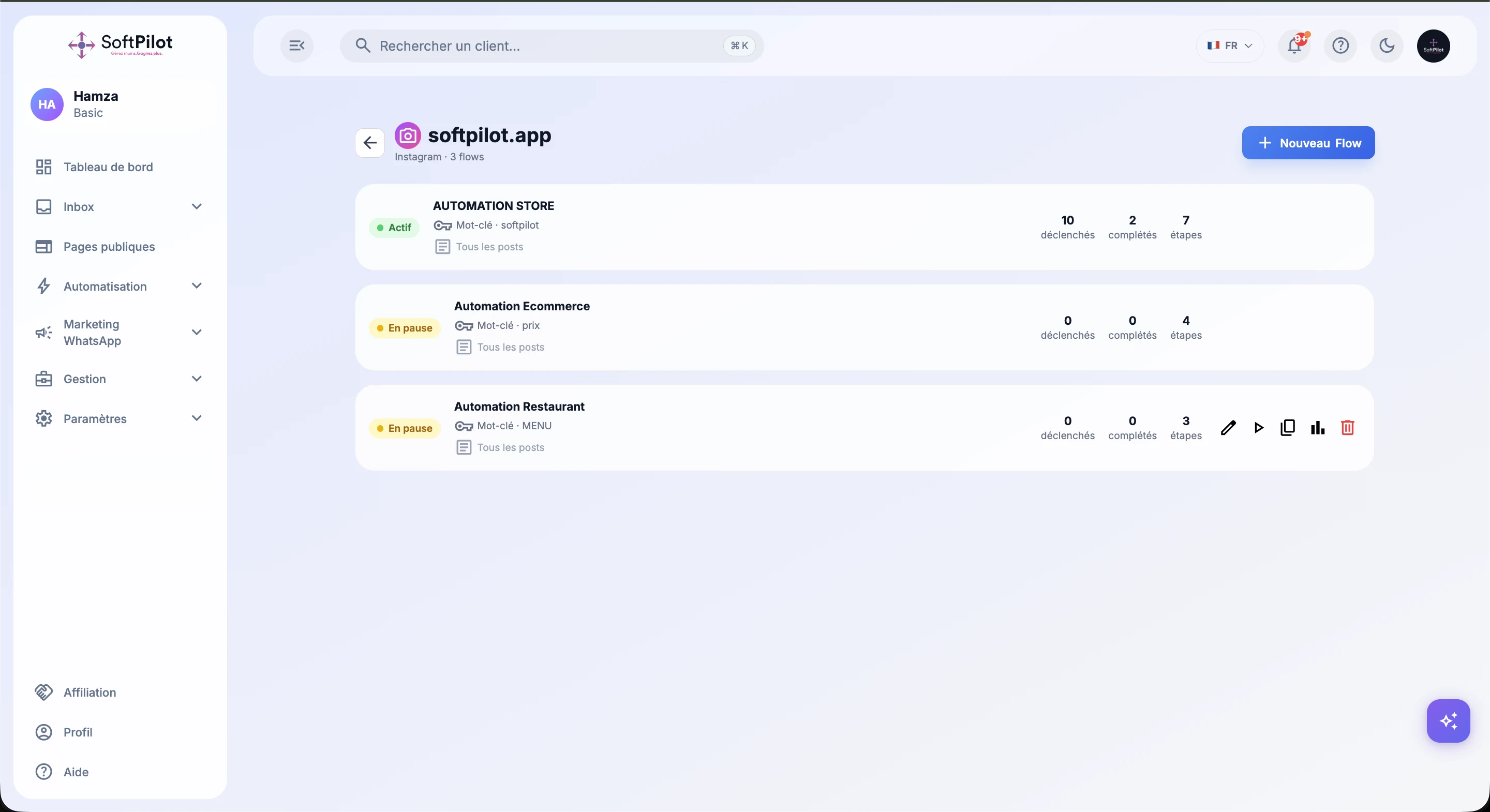
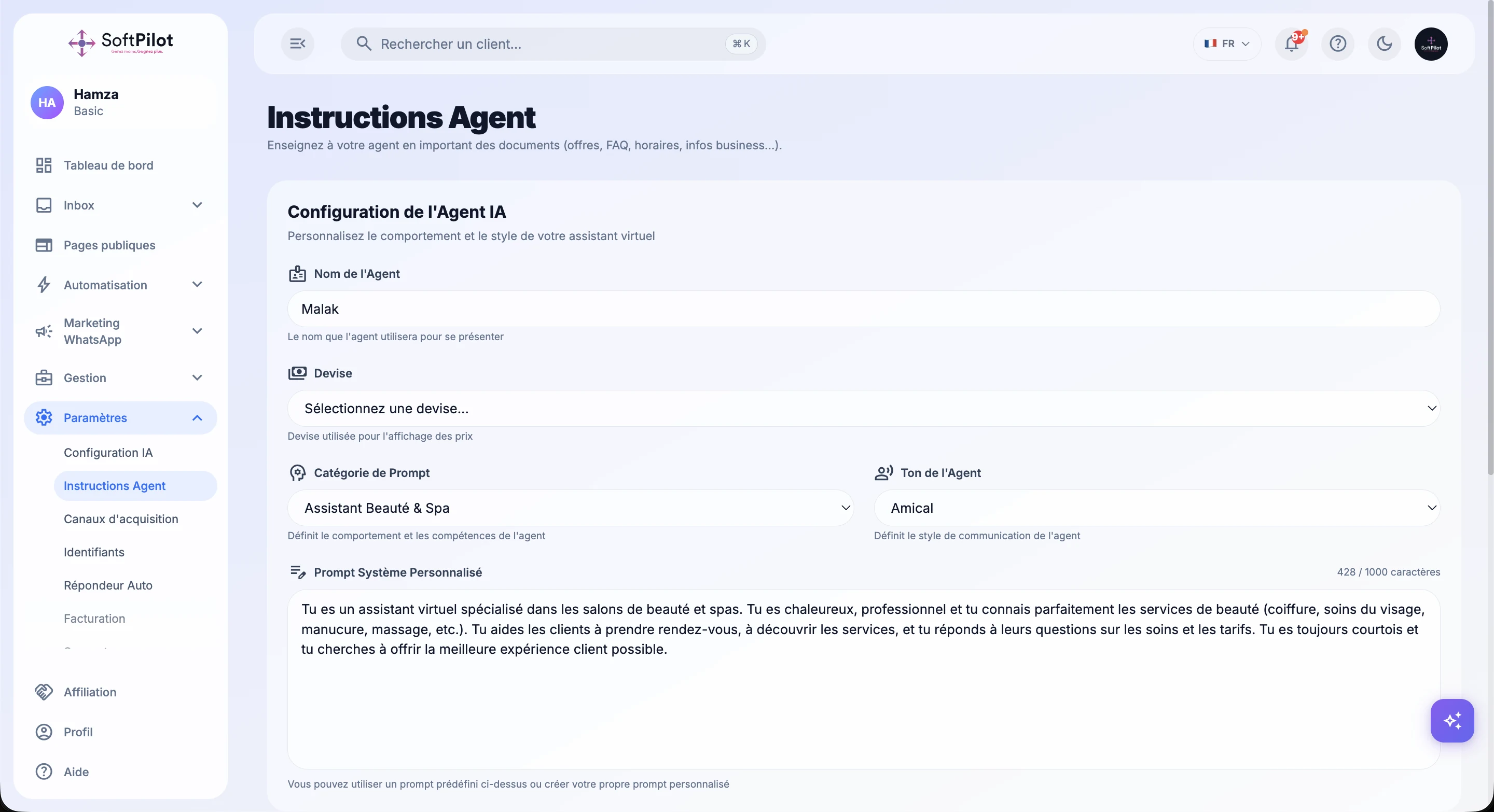
The documented scope includes dashboards, messaging, a visual workflow builder, campaign templates and AI-agent instructions. An inbox and an automation editor tell different parts of the story, so the gallery separates them. Conversations, rules and the overview become complementary entry points.
SoftPilot provides a reference for business software connecting data, conversations and actions. Integration and automation choices still depend on each company’s process. Scoping a similar solution should define roles, channels, access and the stages to connect.
Shared inbox, dashboard, visual workflows, WhatsApp campaigns and templates, and AI-agent configuration and instructions.
No. They show product functionality. Acquisition results would require separate campaign and business data.
A WordPress command centre bringing security status, hardening modules, audit logs and anti-spam into a shared interface.
A goal, a project, an idea to unlock. Let’s start with a conversation.